 NEW 5s
⚡ Generate
NEW 5s
⚡ Generate
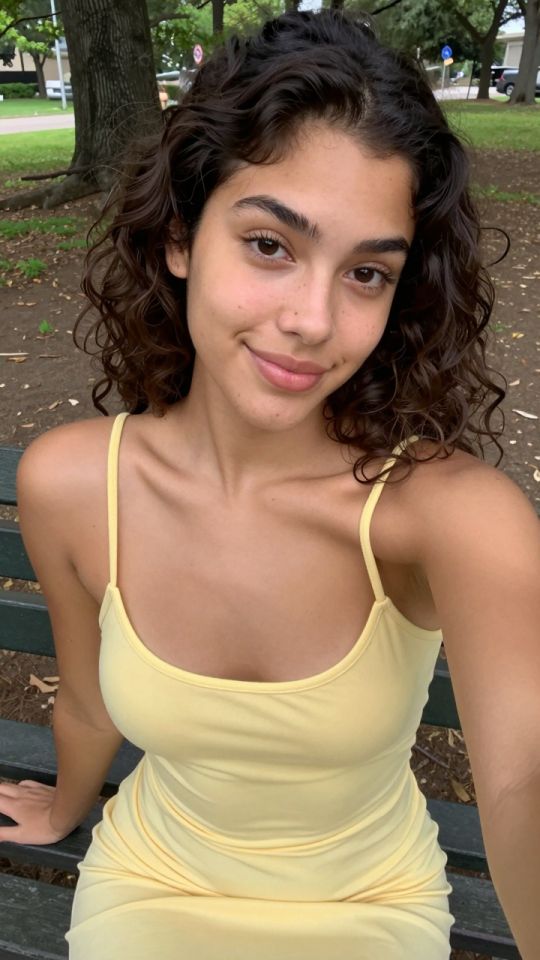
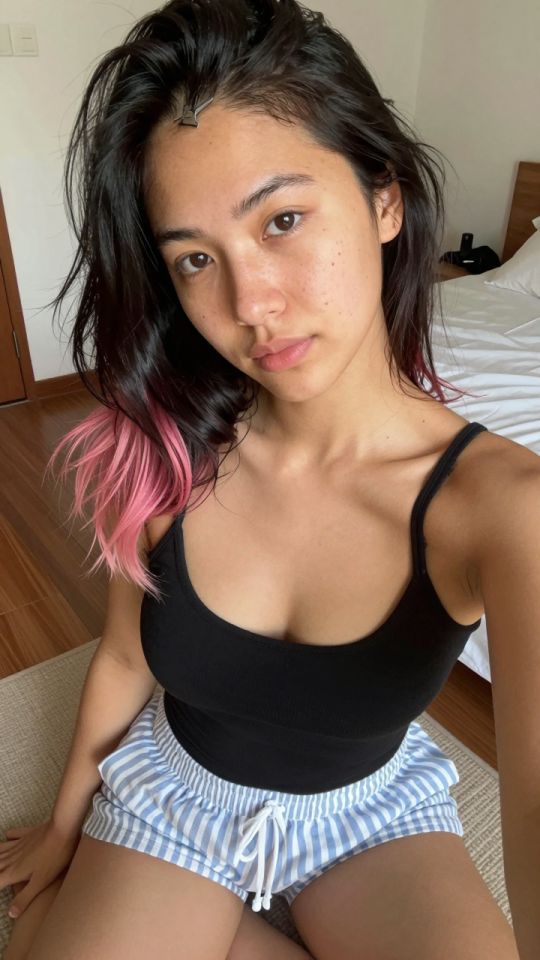
Give a still a few seconds of controlled motion. The Video Generator animates images you created or own — priced by duration and resolution, calculated before you confirm.
Pick an effect, upload your photo, and the built-in recipe does the rest. Same photo, far more reliable results.
You have been writing prompts by hand. Templates skip all of that — pick a card below, upload your photo, and get the same scene in one click.
NEW 5s
⚡ Generate
 NEW 5s
⚡ Generate
NEW 5s
⚡ Generate

 IMAGE
⚡ Generate
IMAGE
⚡ Generate

 IMAGE
⚡ Generate
IMAGE
⚡ Generate
 5s
⚡ Generate
5s
⚡ Generate
 5s
⚡ Generate
5s
⚡ Generate
 NEW 5s
⚡ Generate
NEW 5s
⚡ Generate
 5s
⚡ Generate
5s
⚡ Generate

 IMAGE
⚡ Generate
IMAGE
⚡ Generate
 NEW 5s
⚡ Generate
NEW 5s
⚡ Generate
 NEW 5s
⚡ Generate
NEW 5s
⚡ Generate
 NEW 5s
⚡ Generate
NEW 5s
⚡ Generate
The Video Generator takes a still image and a motion brief, and synthesizes the frames between “now” and a few seconds from now: how hair would move, how weight would shift, how light would slide across a shoulder. It is not filming anything and it is not looping a filter — every frame is generated, which is why the input still matters so much. The model extends what the still gives it; it cannot invent a scene the still does not contain.
Two consequences follow. First, composition is destiny: a still with one clear subject and clean figure-ground separation animates cleanly, while a busy group scene gives the model five opinions about what should move. Second, motion is a budget: small, directed movement reads as realism, and large movement spends that budget on anatomy errors. Work small and the tool feels like a camera; work big and it feels like a slot machine.
Generate candidates in the Generator and pick for composition, not detail: one subject, readable pose, edges clean.
Ask for the least movement that creates life: a breath, a head turn, hair and fabric responding. Write it into the brief plainly.
Judge the test honestly — face holds, hands stay hands. Extend only the takes that pass; re-brief the ones that do not.
“She breathes slowly and turns her head a few degrees toward the window; hair moves slightly; the camera does not move.”
One action, one secondary effect, camera locked. This is the shape of brief that passes its first test.
“Curtain fabric drifts in a light breeze; candle flames flicker gently; the subject remains still, eyes on camera.”
Moving the environment instead of the subject is the cheapest realism there is — the figure stays perfect because it barely moves.
Notice what both briefs refuse to ask for: walking, dancing, scene changes, camera acrobatics. Each of those is a separate render problem wearing a trench coat. Build longer pieces from several short, honest clips instead.
| Choice | Effect on price |
|---|---|
| Duration | The main lever: price scales with seconds rendered, so tests at 4–6 seconds cost a fraction of full takes |
| Resolution | 480p for tests, 720p for publishing, 1080p for hero pieces — each step costs more than the last |
| Failed jobs | Refunded automatically — you never pay for a render that did not complete |
The studio calculates the exact figure for your settings on the job card, before you confirm. No job runs at a price you have not seen.
Animate fictional adult characters, or media you own with the rights and documented consent to transform it. A real person’s likeness in a sexual context without documented consent is prohibited, in motion as in stills — the Moderation Policy has the full standard, and the Journal’s consent checklist walks through it before you upload anything.
Yes, if it is yours (or you hold documented consent for everyone depicted) and everyone depicted is an adult.
Usually a busy background or an extreme angle in the source still. Recompose the still with cleaner edges, or move the environment instead of the subject.
Four to six seconds — long enough to judge the motion, cheap enough to be wrong. Extend takes that pass.
That is a different tool: the Video Face Swap, with the same consent rules.
Trim to the seconds you are keeping, then run the final cut through the Video Upscaler.
Drafts, edits, animation and finishing share one credit balance and one private library. Start with the piece you need today.
Open the generatorAnalyzing your photo…
Your result will appear right here — keep this open.
0:00
Your image is deleted after generation.
Browse filesFailed jobs are refunded automatically. Results land in My Collection.