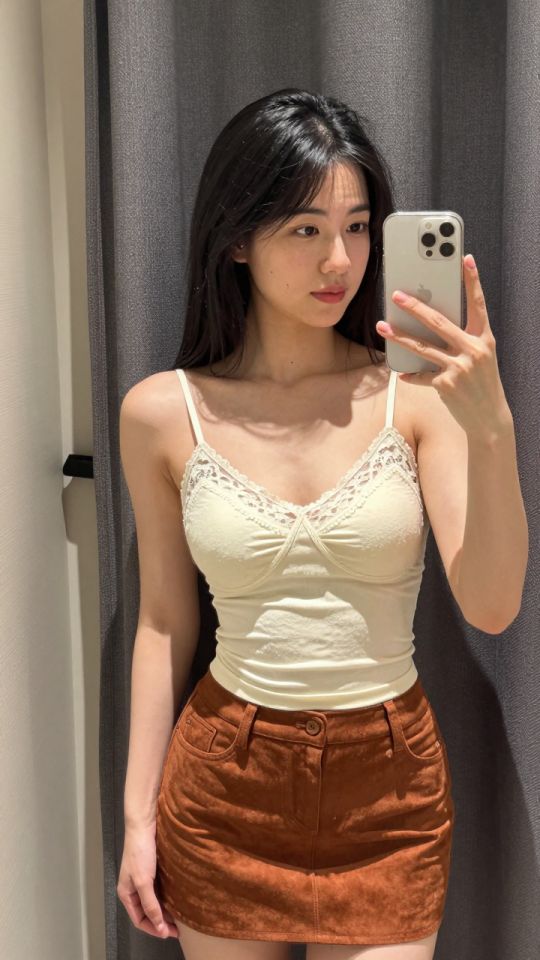
 5s
⚡ Generate
5s
⚡ Generate
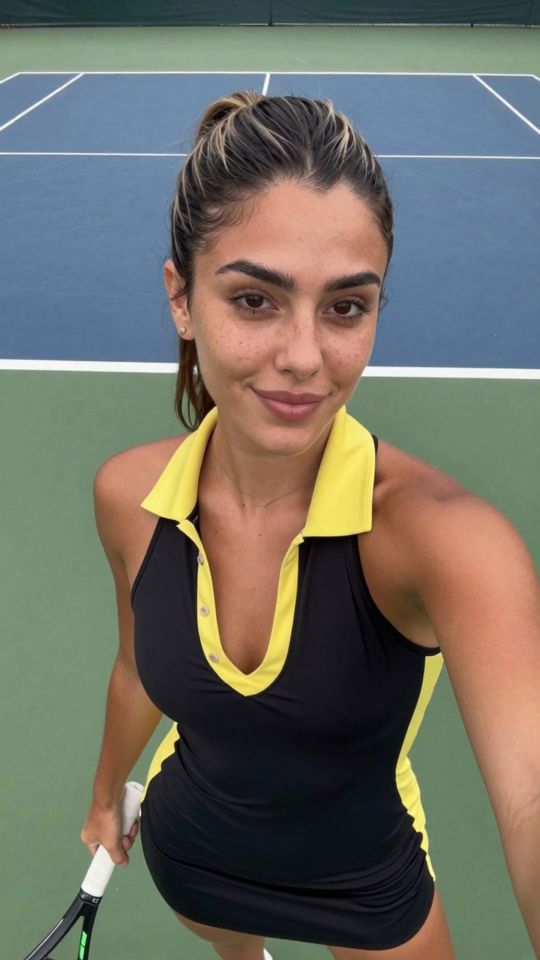
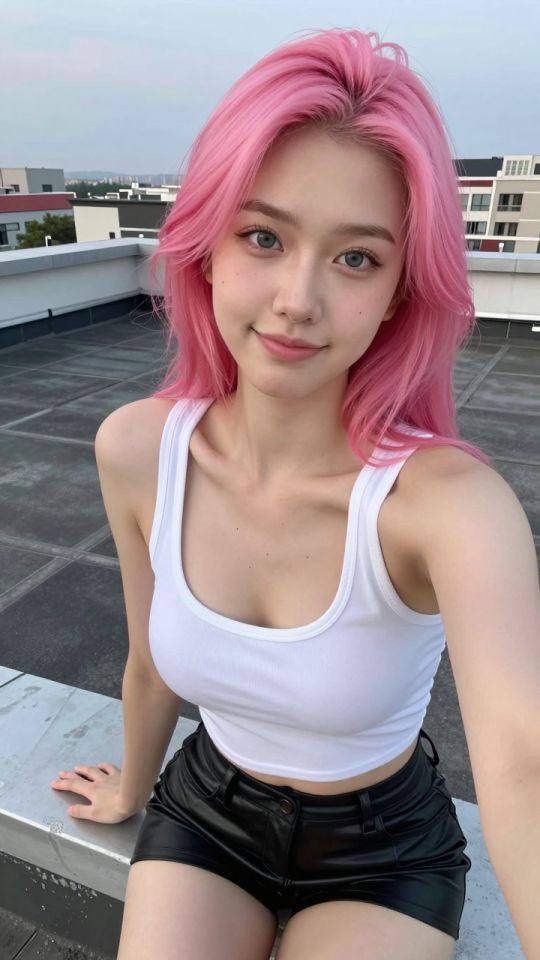
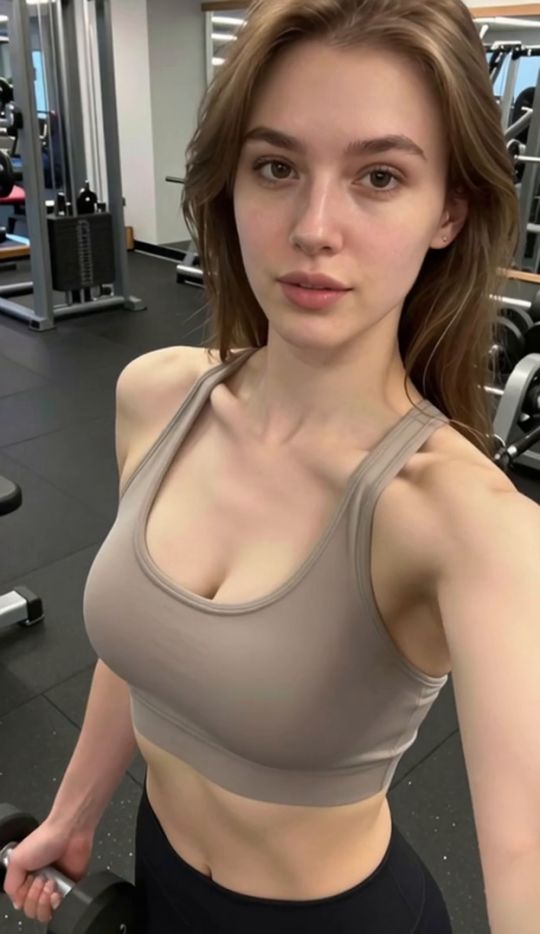
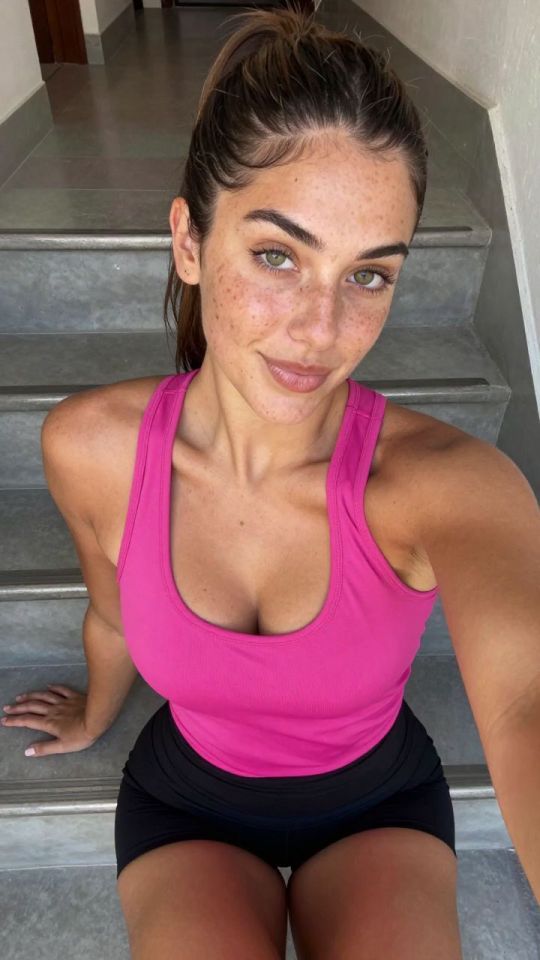
Move a face onto a new scene without reshooting: series consistency for fictional characters, and recasts of your own shoots — for fictional, self, or documented-consent faces only.
Pick an effect, upload your photo, and the built-in recipe does the rest. Same photo, far more reliable results.
You have been writing prompts by hand. Templates skip all of that — pick a card below, upload your photo, and get the same scene in one click.
5s
⚡ Generate
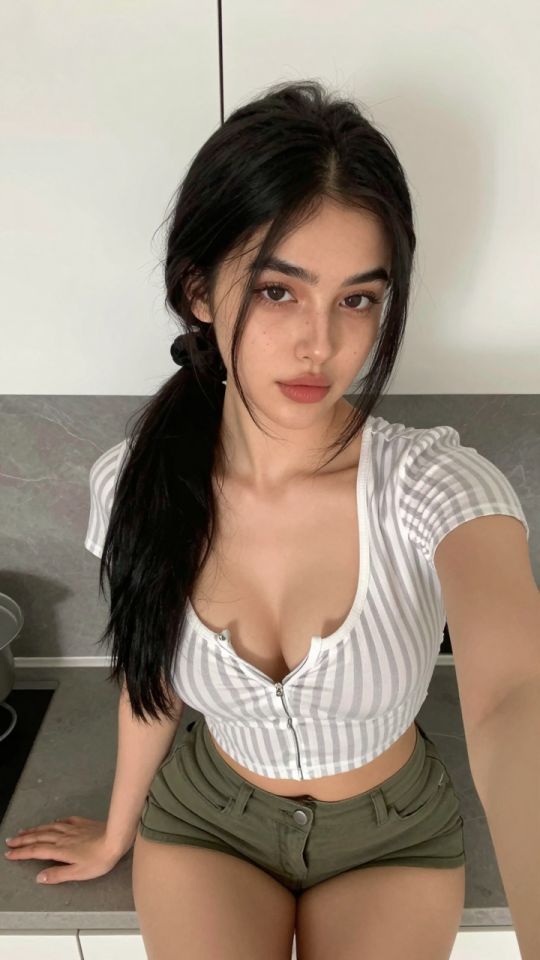
 5s
⚡ Generate
5s
⚡ Generate
 IMAGE
⚡ Generate
IMAGE
⚡ Generate
 NEW IMAGE
⚡ Generate
NEW IMAGE
⚡ Generate
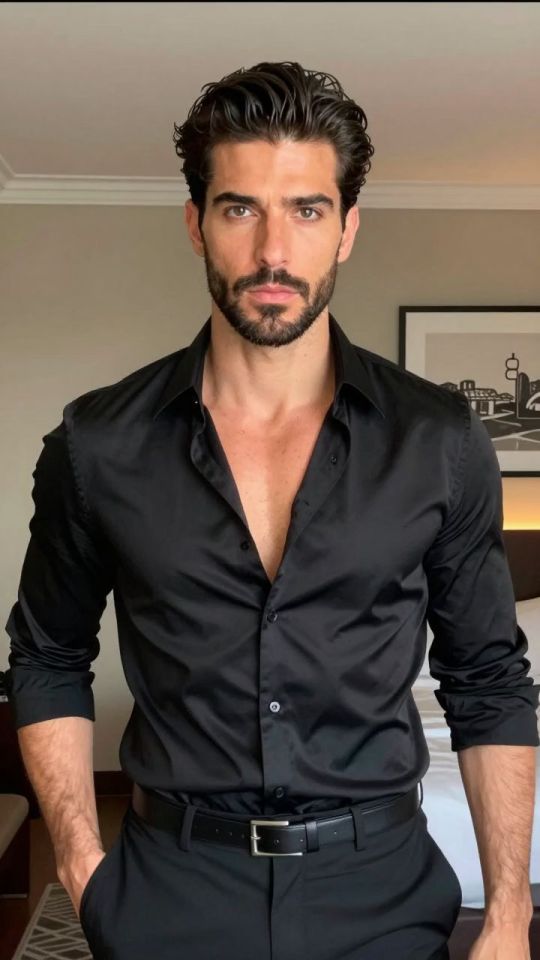
 NEW IMAGE
⚡ Generate
NEW IMAGE
⚡ Generate
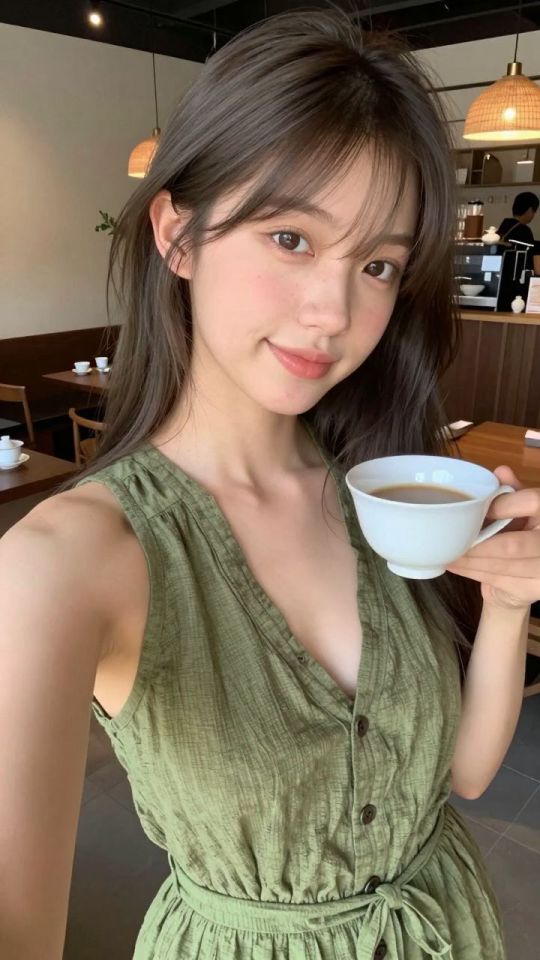
 NEW IMAGE
⚡ Generate
NEW IMAGE
⚡ Generate
 5s
⚡ Generate
5s
⚡ Generate
 IMAGE
⚡ Generate
IMAGE
⚡ Generate
 NEW 5s
⚡ Generate
NEW 5s
⚡ Generate
 NEW 5s
⚡ Generate
NEW 5s
⚡ Generate
 5s
⚡ Generate
5s
⚡ Generate
 IMAGE
⚡ Generate
IMAGE
⚡ Generate
A face swap is not a paste. The tool reads the source face as an identity — bone structure, feature geometry, the things that make a face recognizable — then re-renders that identity inside the target image’s pose, angle and lighting. Skin tone is re-matched, shadows are rebuilt, and the seam is blended into the target’s texture. When it works, the result looks photographed, not assembled. When the inputs fight it, no amount of re-rolling fixes the geometry — which is why this page spends more time on inputs than on settings.
Design a character once in the Generator, keep her best portrait as the identity source, and put her face into new scenes without drift.
Your own face, your own archive: revisit a favourite set with a different presentation, no studio day required.
A generated scene where everything works except the face drifting off-character — swap the reference face back in instead of re-rolling the scene.
| Symptom | Likely cause | Fix |
|---|---|---|
| Face looks “pasted on” | Lighting direction differs between source and target | Pick a target lit the same way, or re-light the scene in the Editor first |
| Identity drifts — almost her, not quite | Source face too small, angled or obstructed | Use a larger, frontal, unobstructed identity source |
| Edge artifacts at the hairline | Busy background or flyaway hair at the seam | Choose targets with calmer backgrounds; tidy hair in the source portrait |
| Expression feels wrong | Source expression fights the scene’s mood | Keep a small library of the same identity in neutral, smiling and serious versions |
No. Public figures and any real person without documented consent are off-limits — in stills, in video, in “parody”, in everything.
None beyond the studio’s general rules. Your face is yours.
The most reliable source is a portrait you generated for the purpose: frontal, evenly lit, unobstructed. One good identity portrait serves a whole series.
Yes — the Video Face Swap tracks the face through a clip. The input standards are the same, plus motion discipline.
A per-job credit price shown before you confirm; failed jobs refund automatically.
Drafts, edits, animation and finishing share one credit balance and one private library. Start with the piece you need today.
Open the generatorAnalyzing your photo…
Your result will appear right here — keep this open.
0:00
Your image is deleted after generation.
Browse filesFailed jobs are refunded automatically. Results land in My Collection.